 GLOBEWICK
How to Check Backlinks for Free (Your Site and Competitors)
To check your website's backlinks for free, open Google Search Console and go to the Links report, which lists the sites that link to you and the pages they link to. For more detail, and to check a competitor's backlinks, use a backlink checker. Ahrefs offers a free backlink checker with the top results, and Ahrefs Webmaster Tools is free for sites you own. Semrush, Moz Link Explorer and Bing Webmaster Tools also have free options. This guide shows how to use each, and what to look for once you have the list.
"Ahrefs backlink checker" was searched 10,000 to 100,000 times a month in both India and the United States, according to Google Ads Keyword Planner data we pulled in November 2026, along with searches like "check my backlinks" and "check website backlinks".
Why backlinks matter
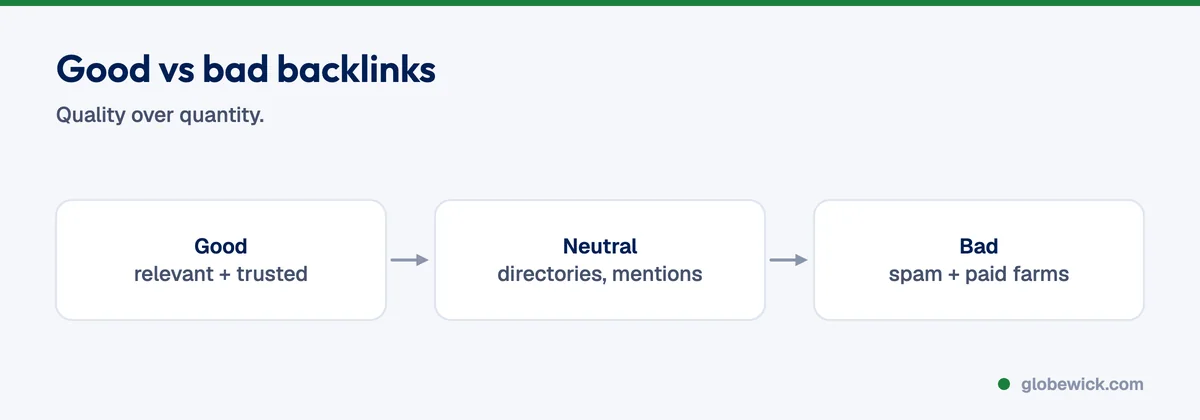
Backlinks are links from other websites to yours. Google treats relevant links from trusted sites as a vote of confidence, so they are one of the strongest signals for ranking, especially for competitive searches. Quality matters far more than quantity: one link from a respected industry site is worth more than hundreds from spammy directories. For the bigger picture, read how to do SEO.
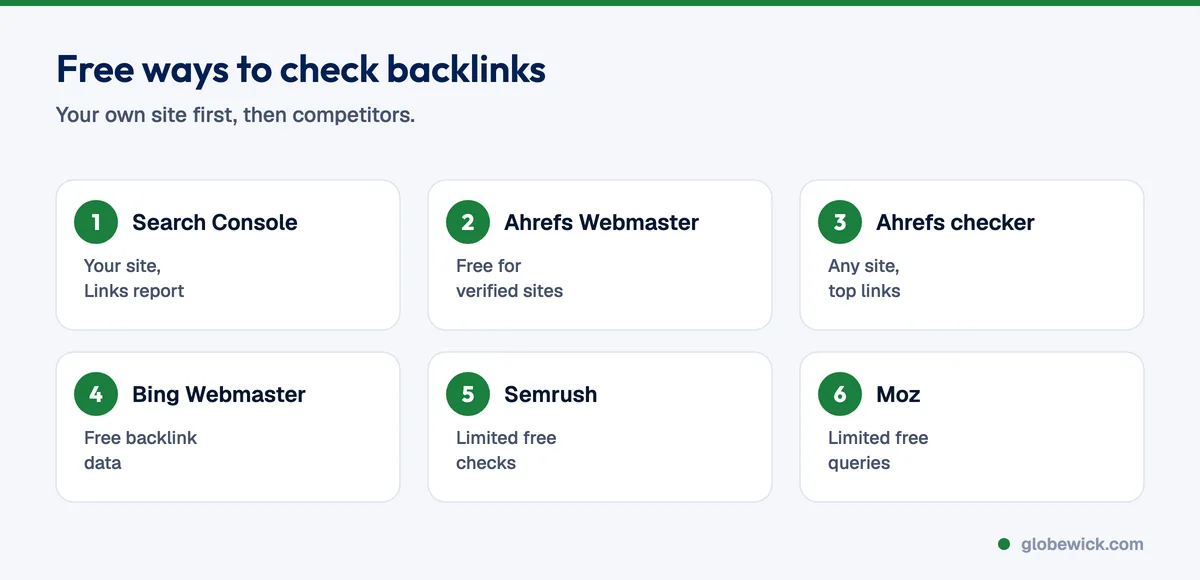
Method 1: Google Search Console (free, your own site)
- Open Google Search Console and select your property.
- Click Links in the left menu.
- Under External links, see Top linked pages, Top linking sites and Top linking text.
- Click Export external links for the full list.
Search Console shows a sample of links Google knows about. It does not show link quality scores or competitors' links.
Method 2: Ahrefs backlink checker
- Free backlink checker: enter any domain or URL to see its top backlinks, referring domains and Domain Rating. The free version shows a limited set of results.
- Ahrefs Webmaster Tools (free): verify your own site to see its full backlink profile and a site audit at no cost.
- Paid Ahrefs: full backlink data for any site, history, new and lost links, and competitor comparisons.
Method 3: Other free backlink checkers
- Bing Webmaster Tools: free backlink data for your site and for other sites, after you verify your own.
- Semrush: a backlink analytics tool with a limited number of free daily checks.
- Moz Link Explorer: a limited number of free queries a month, with Domain Authority.
Each tool crawls the web differently, so their numbers will not match. Use one tool consistently to track trends.
What to look for in your backlinks
- Referring domains: the number of unique sites linking to you matters more than total links.
- Relevance: are the linking sites in your industry or location?
- Authority: links from well-known, trusted sites carry more weight.
- Anchor text: the clickable words. A natural mix of brand names, URLs and topic words is healthy.
- Linked pages: which of your pages attract links, and which important pages have none?
- Lost links: links that disappeared, which you may be able to win back.
How to check a competitor's backlinks
- Enter the competitor's domain in a backlink checker.
- Sort by referring domain authority and look at the top 50.
- Note patterns: industry directories, partner pages, guest articles, news coverage or resource lists.
- Find the realistic ones you could earn too, such as the same directories, associations or publications.
Should you disavow bad backlinks?
Usually not. Google ignores most spammy links on its own. Use the disavow tool only if you have a manual action in Search Console, or if you know someone bought large numbers of manipulative links to your site.
How to get more good backlinks
- Create resources worth citing: original data, guides, calculators and templates.
- Get listed in relevant, real business directories and associations.
- Share expert comments with journalists and bloggers.
- Ask partners, suppliers and clients to link where it makes sense.
- Reclaim unlinked brand mentions by asking the author to add a link.
Want help with link building? See our SEO services, and compare tools in our best SEO tools guide.
FAQ
How many backlinks do I need to rank?
There is no fixed number. It depends on the competition. Compare the referring domains of the pages ranking for your target search.
Why do backlink tools show different numbers?
Each tool crawls a different part of the web at different speeds. None of them sees exactly what Google sees.
Is the Ahrefs backlink checker free?
Ahrefs has a free backlink checker with limited results, and Ahrefs Webmaster Tools is free for sites you own. Full access to any site's data is paid.